Native Image Recognition Data Collection App
About Trax Image Recognition
Trax is a global leader in computer vision and retail image recognition, providing retailers and brands with real-time shelf intelligence. The company blends advanced AI with in-store execution tools to improve on-shelf availability, optimize product placement, and drive smarter retail operations.
About The Product
Designing high-reliability mobile experiences for real-world data collection under operational pressure.
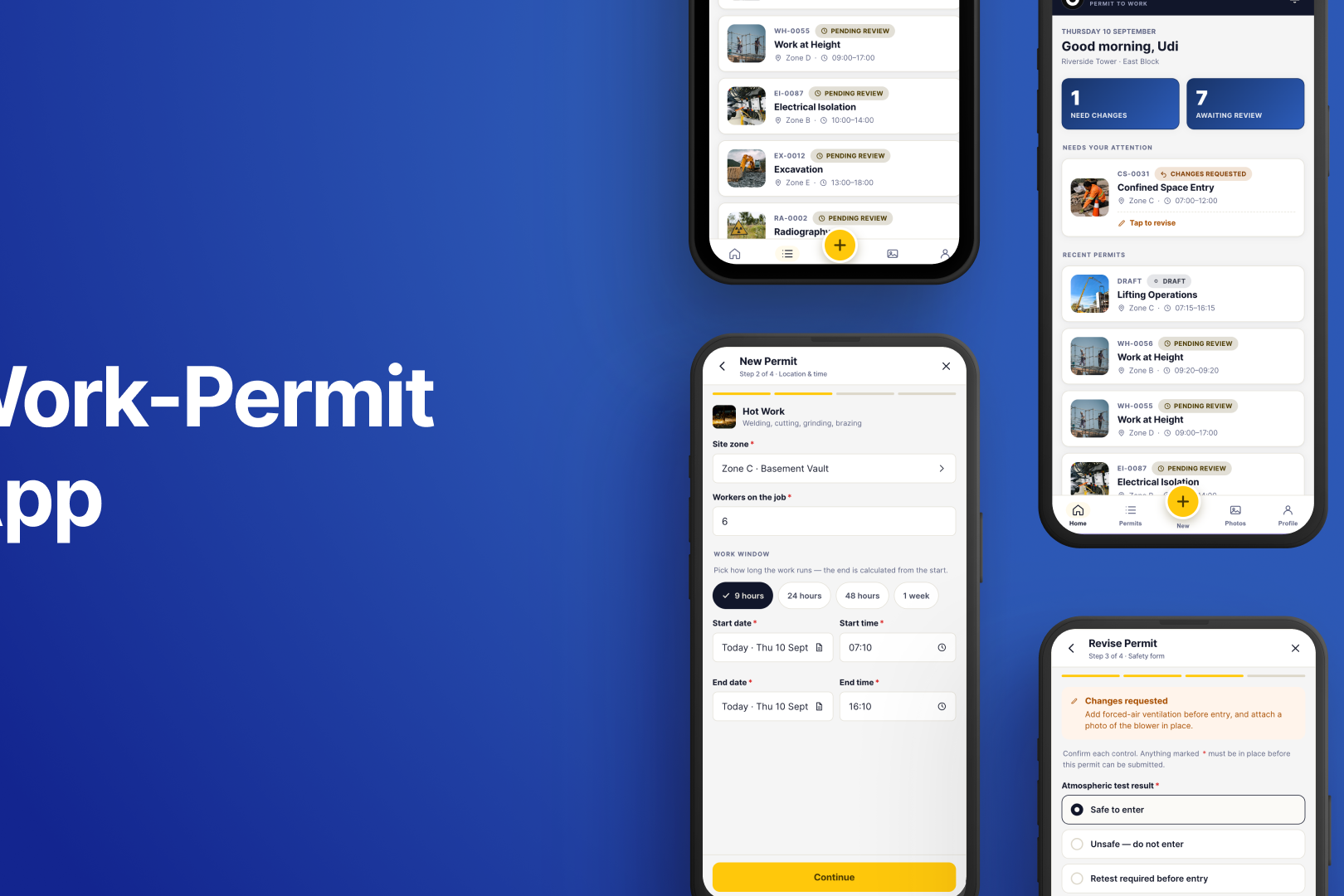
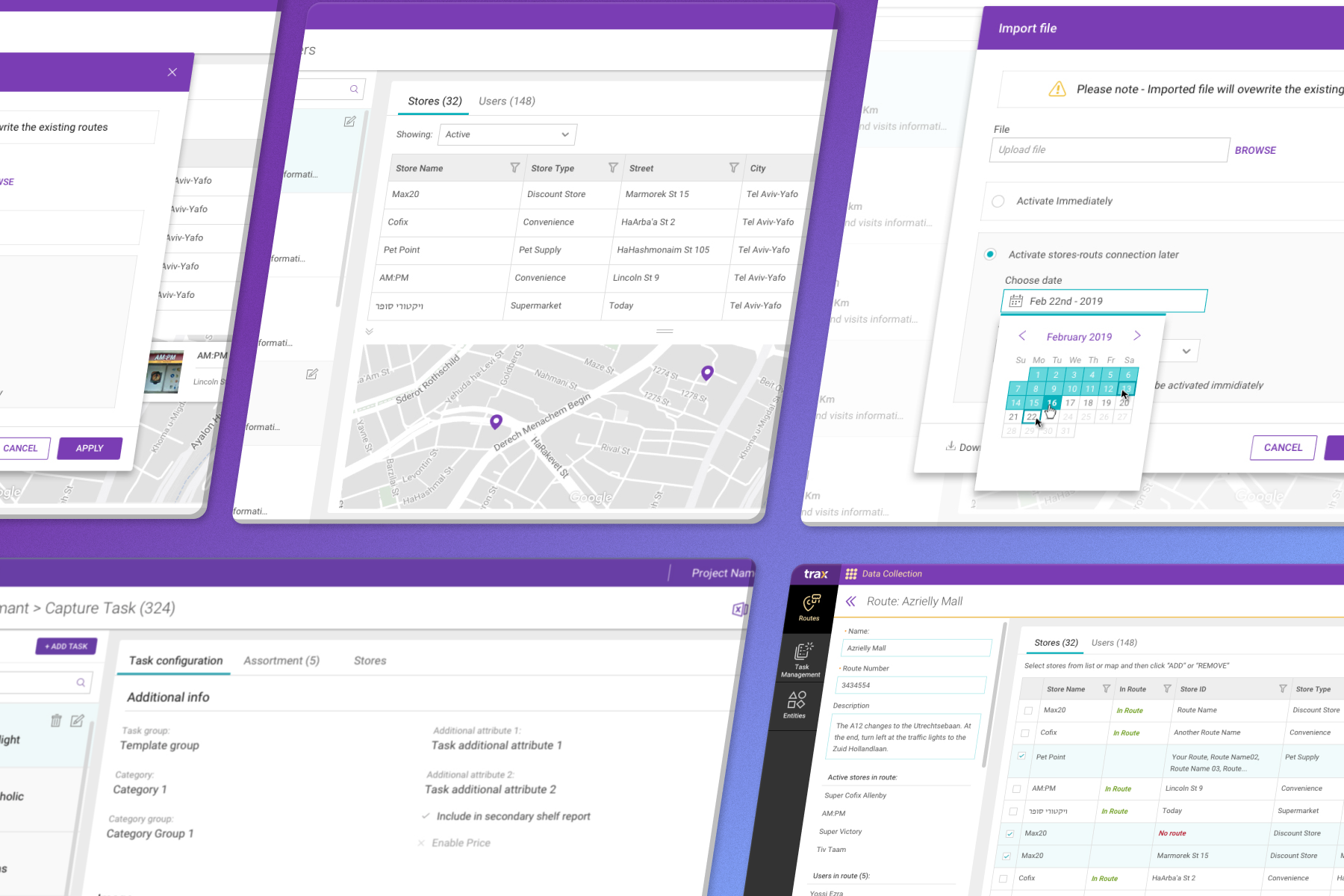
Trax’s native mobile application streamlines and simplifies in-store data collection. Designed for field teams, the app enables fast, accurate capture of shelf-level information – from product placement and stock levels to planogram compliance – directly from store shelves. Its intuitive interface and real-time reporting capabilities help retailers monitor store conditions, identify opportunities, and act quickly to optimize merchandising and inventory management.
Challenges
Field users were required to perform complex data collection tasks in fast-paced, dynamic environments, often under time pressure and varying real-world conditions.
These workflows relied on accurate execution, where:
- Errors directly affected data quality and the accuracy of downstream business intelligence reporting files.
- Complex configurations increased cognitive load for non-technical users.
- Environmental factors (device alignment, motion, lighting, distractions) made interaction more difficult.
The core challenge was to enable fast, reliable, and repeatable execution in conditions that are far from ideal.
Constraints:
- Non-technical users operating in fast-paced, real-world environments.
- Limited attention span and time per task.
- Environmental variability (device alignment, motion, noise) affects usability.
- High need for speed, accuracy, and error prevention.
- Repetitive workflows require consistency and low cognitive load.
Approach:
1. Understanding real-world behavior
- Analyzed how users interact with the system in field conditions
- Identified friction points in task execution and data input
2. Designing for speed and clarity
- Simplified complex workflows into clear, sequential actions
- Reduced cognitive load by minimizing unnecessary decisions
- Prioritized visibility of critical information and actions
3. Optimizing for repeatability
- Designed flows that support fast, repetitive task execution
- Ensured consistency across similar actions to build user confidence
4. Adapting to real-world conditions
- Designed interactions that are resilient to environmental challenges
- Focused on large touch targets, clear hierarchy, and minimal friction
Key Decisions & Trade-offs
- Simplified workflows to reduce cognitive load while preserving required data accuracy.
- Prioritized speed and clarity over feature richness.
- Structured interactions for quick, repeatable execution rather than flexibility.
- Reduced dependency on user interpretation by making actions explicit and guided.
Impact
- Improved speed and efficiency of field data collection workflows.
- Reduced user errors in high-pressure environments.
- Increased consistency and reliability of data input across field teams.
- Enabled faster execution of repetitive operational tasks.
- Designed a mobile experience that enables reliable execution of complex workflows in real-world conditions, balancing speed, accuracy, and usability for non-technical users in the field.
My Role in this Project
Image Capturing Process Wizard –
Vision, Ideation & Creation / Continuous App Development.
- Led the end-to-end design of mobile experiences for field data collection workflows.
- Defined interaction patterns optimized for speed, clarity, and real-world usability.
- Collaborated closely with Product and Engineering to align system requirements with user behavior in the field.
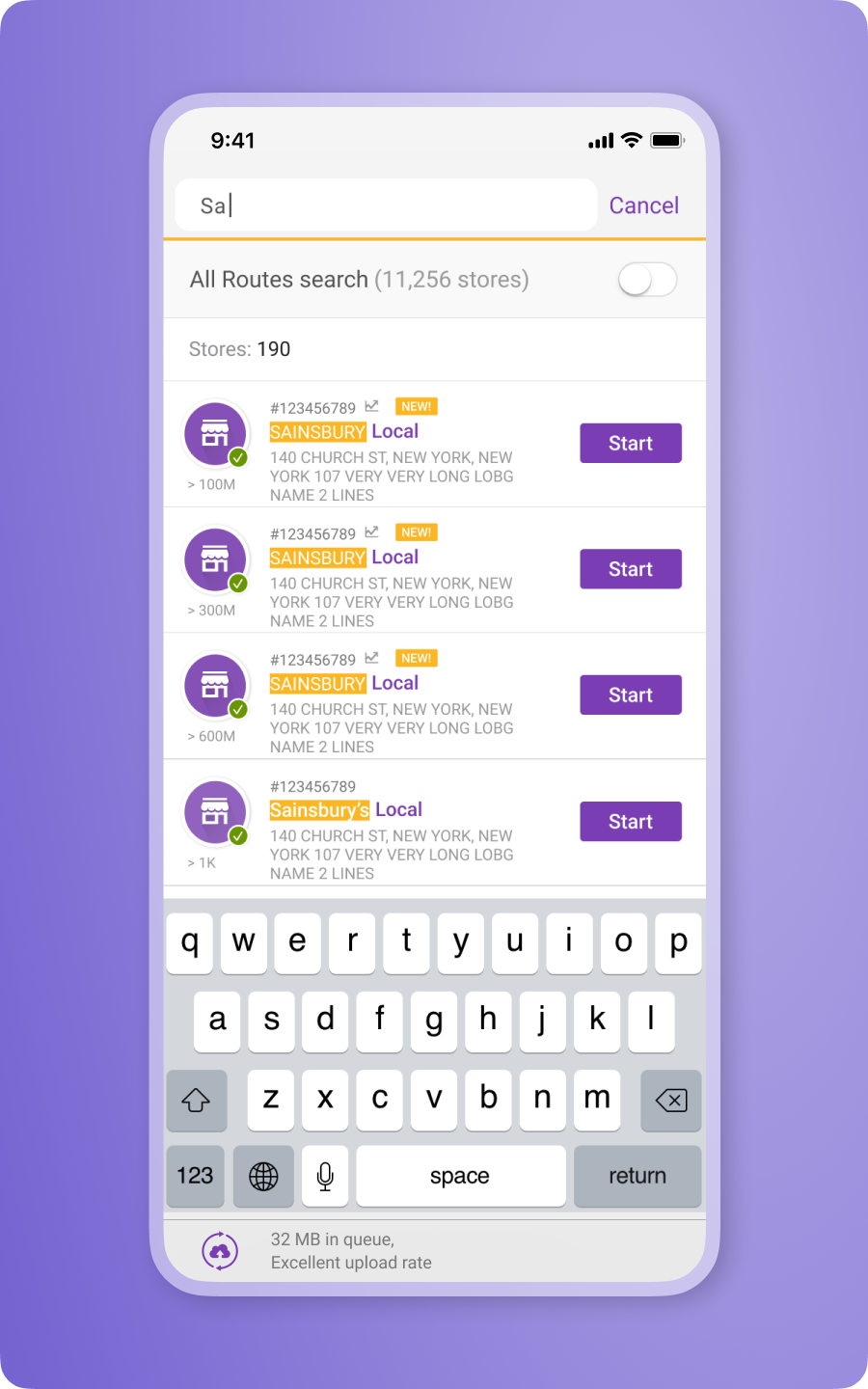
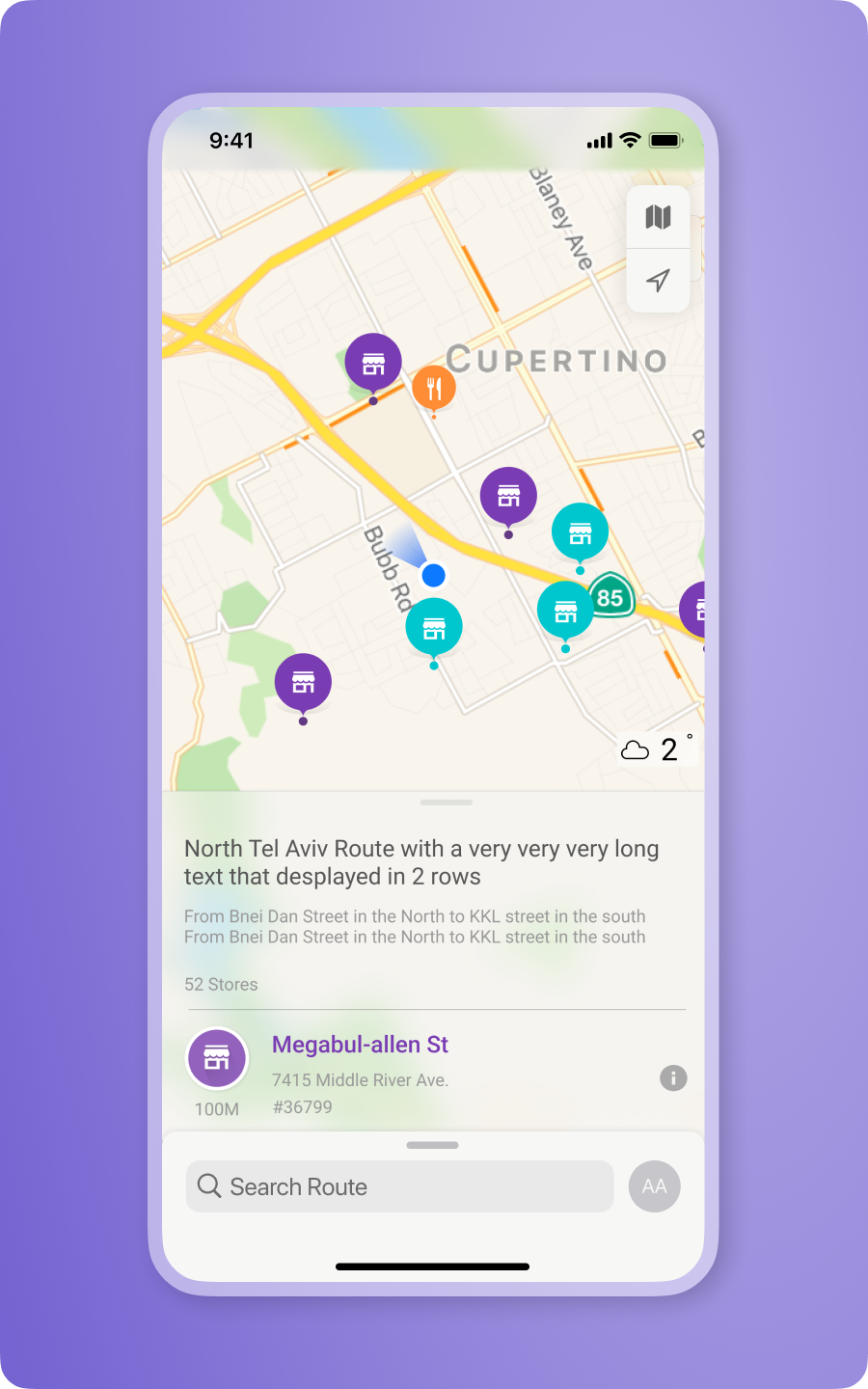
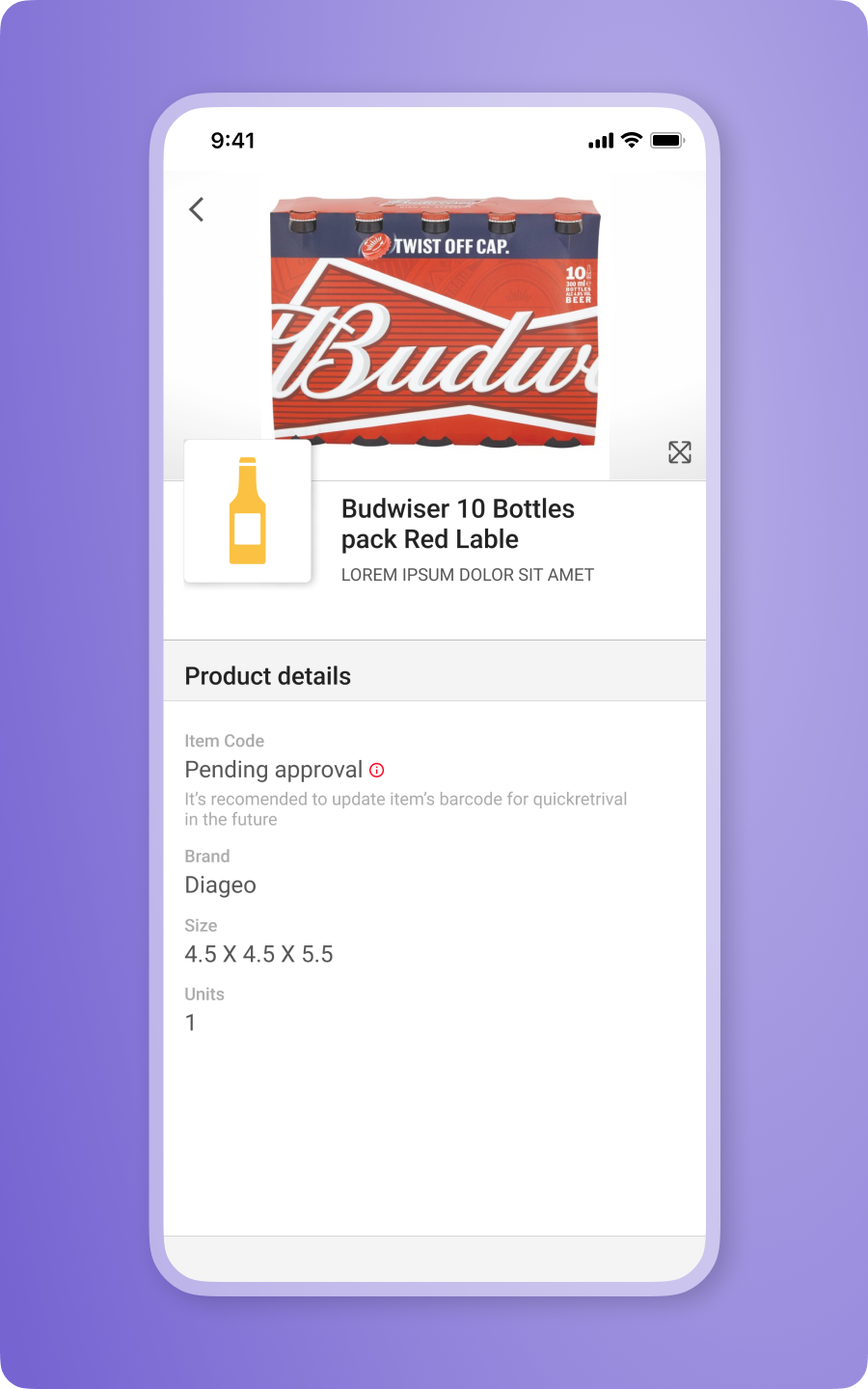
My role in Trax’s mobile department was to design the user experience for new features within the mobile collection app used by field teams in CPG organizations. The app supports day-to-day field operations, including in-store visits and task execution. I worked on a range of capabilities such as task completion flows, route planning, store information access, and navigation support.
The core function of the mobile app is to capture in-store shelf images for processing by the image recognition engine. However, the capture flow felt incomplete. The process relied on too many restrictions for the average user to remember and consistently follow, leading to errors and inconsistent data quality.
Research:
To pinpoint the root of the problem, I began with a quantitative usability test. I recruited eight employees from various departments and asked each of them to go through the image-capture flow. The outcomes were mixed. Those already familiar with the process completed it correctly, while those without prior knowledge executed it poorly, exposing inconsistency driven by a lack of guidance.
Next, I pushed for Mixpanel insights. I implemented a dedicated event to track where users dropped, canceled, or were forced out of the flow. The data showed that roughly 30 percent of users failed to complete the process, resulting in user frustration and unreliable reporting. The product team agreed that the capture flow had a structural issue.
I continued the research by examining similar patterns and solutions across domains: native Android/iOS camera apps, shopping cart flows, PDF scanning tools, and AR mobile game mechanics.
Solution:
The analysis showed that the core issue was the lack of real-time feedback and guidance. Users had no clear indication of whether they were capturing images correctly.
To address this, I designed an onboarding flow and an in-camera guidance that delivers immediate visual feedback on direction, alignment, blurriness, and distance. This ensures users understand exactly how to perform each capture.
Within the camera view, I introduced a tile-based status panel that reflects the quality of each captured image. When an image meets the required criteria, the tile appears as a positive confirmation. If the image is captured incorrectly, the tile turns red, signaling that it must be retaken.
Since one of the strict requirements is maintaining a shooting angle below 15 degrees, I added a dynamic angle indicator sourced from the device’s gyroscope. When the angle exceeds the threshold, the capture button becomes disabled and reactivates only when the device is positioned correctly.
The guide walks users step-by-step through both the capture process and the stitching sequence, reducing errors and improving overall data accuracy.
This feature reduced the failure percentage to about 6 percent.
Image capturing Process
Trax Mobile App screens